
Emergency health card. What someone needs to know, on your phone.
Fill in an emergency health card once: blood group, allergies, conditions, medicines and up to three people to call. A copy stays on your phone, so the card opens even when there is no internet.
Available on Google Play. The iPhone app is coming soon.
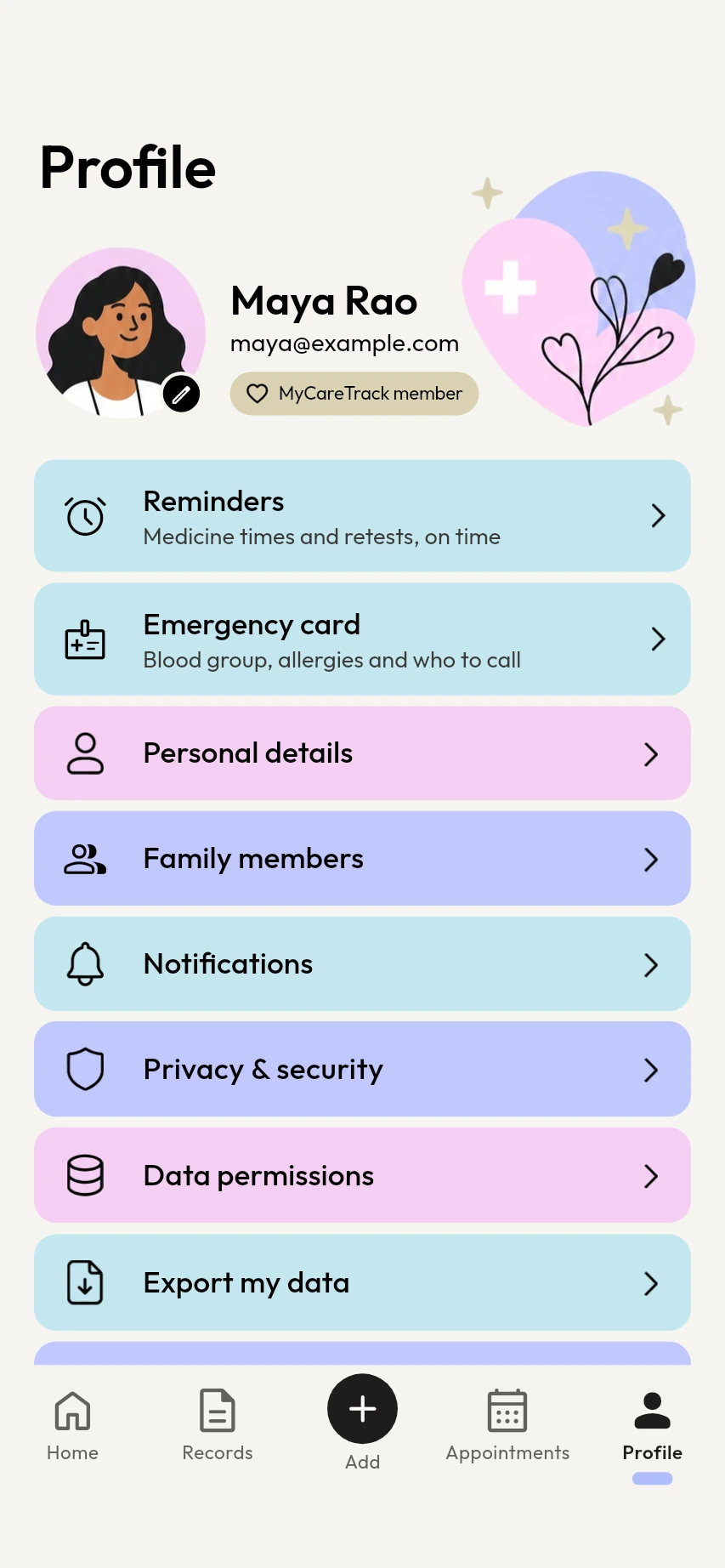
How the emergency health card works
Open the card
Go to Profile, then Emergency card, and choose Edit card.
Fill it in
Add your blood group, allergies, conditions, notes and up to three contacts. The medicines you have scanned appear on the card too, and you can add others by hand.
Open it when it matters
The card shows everything on one screen, and a Call button sits next to each contact.
Why keep an emergency health card in MyCareTrack
Everything on one card
Blood group, allergies, conditions, medicines, notes and contacts are together, so you do not have to remember them under stress.
Up to three contacts
Each contact has a Call button, so the right person is one tap away.
Organ donor status
Say whether you are an organ donor, so it is written down where it can be found.
Opens without internet
A copy of the card is kept on your phone. When it shows that copy, the card says so.
A card for each family member
Every family member you add has their own card, so a parent's or a child's details can be ready too.
You stay in charge
The card shows what you type in and the medicines you have scanned. You can edit it whenever you like.
Frequently asked questions
What goes on the emergency health card?
Blood group, allergies, conditions, medicines, up to three contacts with a Call button, notes, and whether you are an organ donor.
Does the emergency health card work without internet?
Yes. A copy is kept on your phone, and the card says when it is showing that saved copy.
Can I see the card from the lock screen?
No. The card is inside MyCareTrack, so the phone has to be unlocked and the app opened. Keep a written note in your wallet too.
Can each family member have an emergency card?
Yes. Every family member added in MyCareTrack has their own card.
Is the emergency card medical advice?
No. It only shows what you have typed in. It does not diagnose or treat any condition.
More from MyCareTrack
- Health records appLab reports, prescriptions, bills and visits for the whole family, on one timeline.
- Medicine reminder appMedicine reminders from your prescriptions, with Taken and Snooze, plus retest reminders.
- Doctor appointment reminder appAdd visits, get a reminder before each one and attach the reports you want to bring.
Get MyCareTrack on your phone.
MyCareTrack is available on Google Play, and the iPhone app is coming soon. Questions? The Help Center has answers, or email hello@lasyaaitech.com.