
Scan medical records. Bring the papers in the drawer onto your phone.
Scan old lab reports, prescriptions and bills page by page, and MyCareTrack reads them, explains them and keeps them on your timeline, searchable and ready to share with your doctor.
Available on Google Play. The iPhone app is coming soon.
How to scan medical records
Start a scan
In the Records tab, tap Scan Earlier Paper Records, or use the Add button and pick the kind of document.
Capture each page
Place a page inside the frame and capture it, then do the next. A scan can hold several pages, and you review them before you send.
Check the date
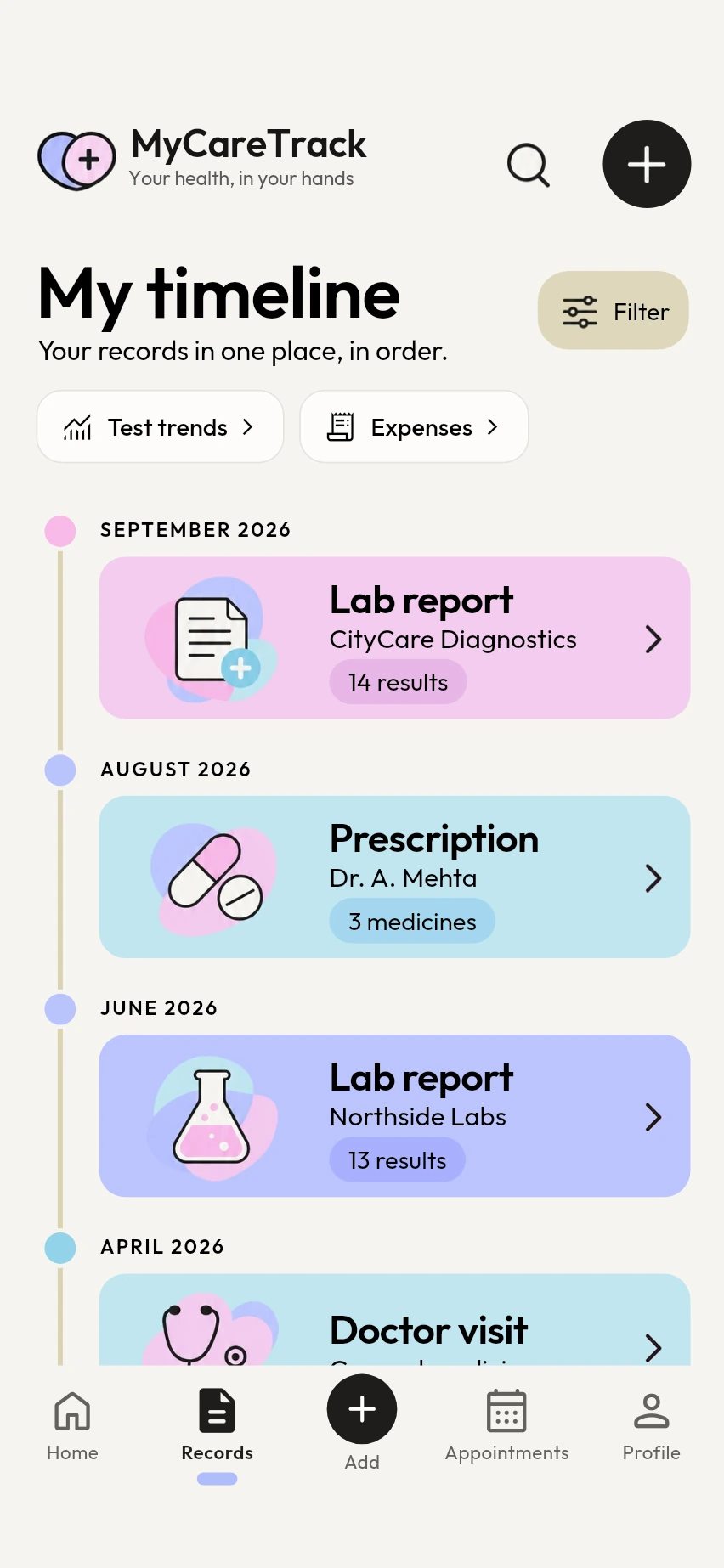
A new scan is added under today's date. On the details screen, set the Report date (or Record date) to the date on the paper, so the record sits in the right place on your timeline.
Why scan your medical records with MyCareTrack
Every kind of document
Lab reports, prescriptions, medicine labels and bills, each read in the way that suits it.
Checked before it is kept
A photo is checked before anything is saved. If a page is not a medical document or cannot be read, you get a clear message and no made-up record.
No double copies
The same document is never stored twice, even if you scan it again.
Originals stay in view
Open the original pages of a record at any time, to check them against what the app read.
Photos or a PDF
Choose photos from your gallery, or upload a PDF to keep with the record. A PDF is stored as it is and is not read by the AI.
Search and filters
Find a scan later by searching your timeline, or filter it to show reports, visits or bills.
Frequently asked questions
How do I scan old medical records?
Open the scanner in MyCareTrack, choose the kind of document and capture each page. Then check the details on the next screen, including the report date.
How many pages can I scan at once?
A scan can hold several pages: up to 10 at the moment. Capture each page, review them and send them together.
Can I upload a PDF instead of scanning?
Yes. A PDF is kept with your records as an attachment, with a title, date and provider that you type. It is not read by the AI, so its contents are not explained.
Why does my old report show today's date?
A new scan is added under the day you scan it. Set the Report date (or Record date) on the details screen to the date on the paper, and the record moves to the right place.
Can I scan records for my parents?
Yes. Choose the family member before you scan, and the record is kept in that person's own timeline.
More from MyCareTrack
- Health report scannerScan any medical report, prescription or bill and keep it in one place.
- Health records appLab reports, prescriptions, bills and visits for the whole family, on one timeline.
- Health summary PDFA PDF of your reports, trend charts and originals for any date range, with a password or a link.
Get MyCareTrack on your phone.
MyCareTrack is available on Google Play, and the iPhone app is coming soon. Questions? The Help Center has answers, or email hello@lasyaaitech.com.