
Medicine scanner app. Read what a medicine is, straight from its label.
Point your phone at a medicine strip, box or bottle. MyCareTrack reads the label and shows the medicine's name, strength and form, what it is and what it is commonly used for, with general notes written in everyday words.
Available on Google Play. The iPhone app is coming soon.
How the medicine scanner app works
Choose Medicine
Open the scanner, pick Medicine and place the label of the strip, box or bottle inside the frame.
Capture the label
Take the photo with the camera or choose one from your gallery (JPG, PNG or HEIC). Good light and a flat, sharp label work well.
Read the medicine page
See what the medicine is, what it looks like, its common uses and what is good to know, with the sources the information comes from.
Why use MyCareTrack as a medicine scanner app
Name, strength and form
The medicine's name, its generic name, its strength and its form are read from the label, so you can check them against your pack.
What it is, in plain words
A short explanation of what the medicine is and what it is commonly used for, with notes grouped into short sections.
Sources shown
General information about a medicine comes with the sources it was drawn from, and it is labeled as educational.
Food tips
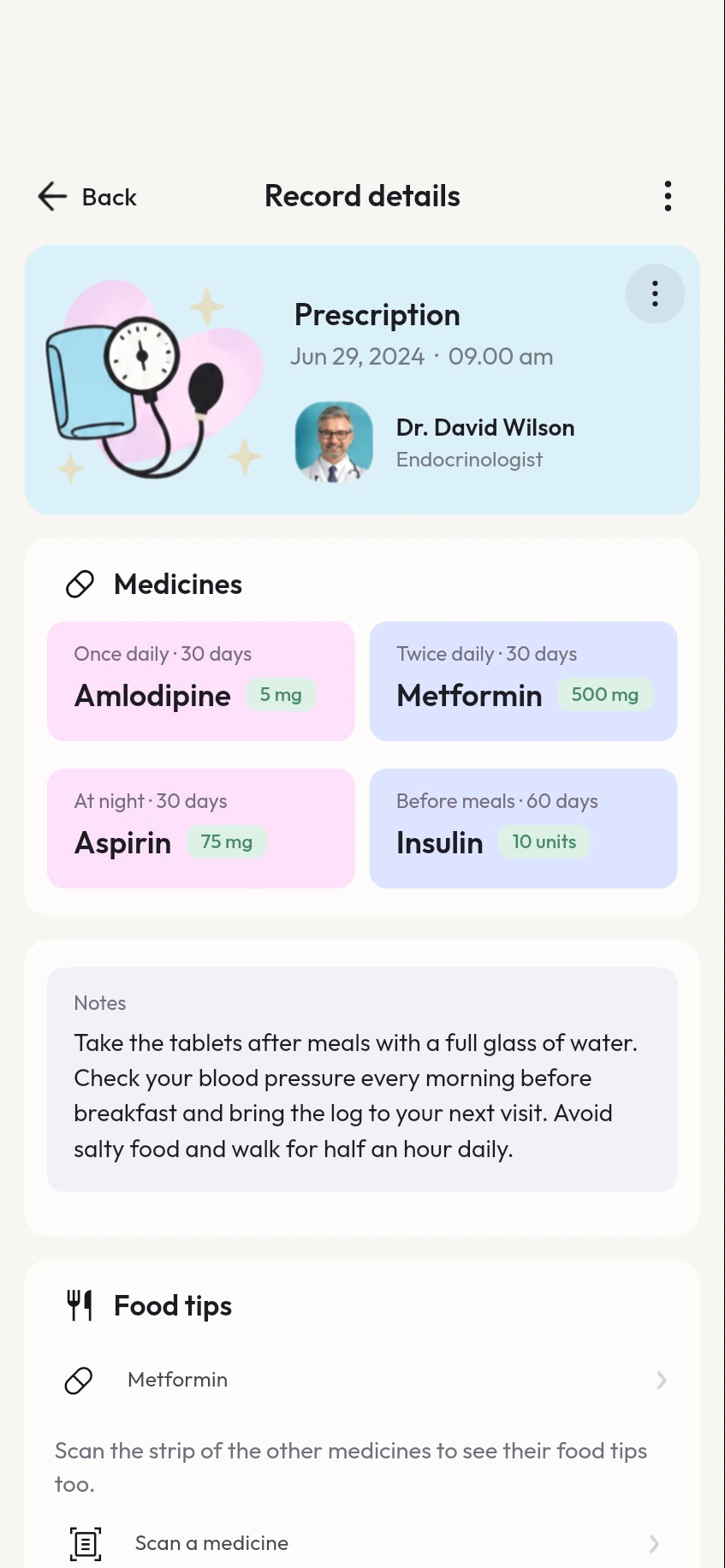
Get general tips about everyday foods for the medicine. They never name supplements, pills or doses.
A reminder in a few taps
Add the medicine to your reminders by name, or pick it from a prescription, and choose the dose times.
Kept for later
A scanned medicine is saved on the timeline of the person you scanned it for, so you can find it again.
Frequently asked questions
How do I scan a medicine strip?
Open the scanner in MyCareTrack, choose Medicine and place the strip, box or bottle label inside the frame. Take the photo, or choose one from your gallery.
Can MyCareTrack identify a loose tablet?
No. It reads the printed label of a strip, box or bottle. It does not recognize a loose tablet by its shape or color.
What does the medicine scanner show?
The name, generic name, strength and form from the label, then what the medicine is, what it looks like, its common uses and what is good to know, with sources.
Can I set a reminder for a scanned medicine?
Yes. Open Profile, then Reminders, and add the medicine by name or pick it from a prescription. Then choose the dose times.
Is the medicine information medical advice?
No. It is general information, labeled as educational, and it is not a substitute for your doctor or pharmacist.
More from MyCareTrack
- Prescription scannerScan a prescription or a medicine label and see each medicine, dose and duration.
- Medicine reminder appMedicine reminders from your prescriptions, with Taken and Snooze, plus retest reminders.
- Health records appLab reports, prescriptions, bills and visits for the whole family, on one timeline.
Get MyCareTrack on your phone.
MyCareTrack is available on Google Play, and the iPhone app is coming soon. Questions? The Help Center has answers, or email hello@lasyaaitech.com.